










Facebook Phone Number Verification With a Private Number
Phone number solutions for Facebook SMS authentication, offering stable delivery and global coverage.



 Instant access or money back
Virtual Numbers For Verification


Benefits of Secure Phone Numbers for Facebook

Reliable Account Access
Receive SMS codes in seconds for smooth sign-ups, logins, and account recovery whenever you need them.

Spam Prevention
Keep your main phone line clear while using a dedicated number to receive SMS for your online platform accounts.

Instant Accessibility
Quick access is ensured through fast setup, seamless integration across devices, and a user-friendly interface.

Global Compatibility
Choose numbers from various countries, and manage accounts on worldwide platforms regardless of your location.

Flexible Plan Options
Select the rental period that works for you, from one-time use for setup to long-term account access.

Fast and Reliable Delivery
We guarantee stable and rapid delivery of SMS messages, even during peak usage times, so you're never left waiting.
How to Get a Virtual Phone Number for Facebook
Choose Your Number
Select a number from a wide range of countries and services to suit your personal needs.
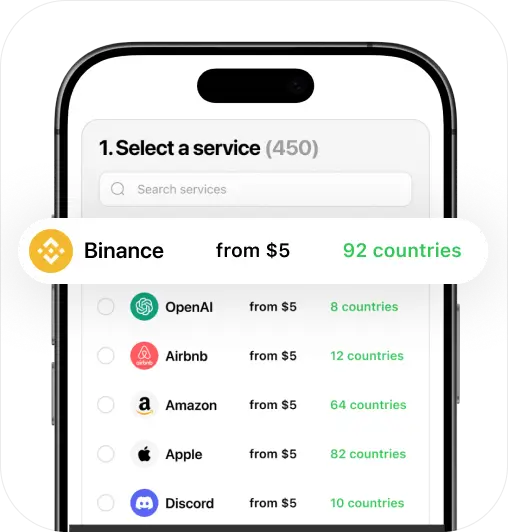
Proceed to Payment
Choose a payment method, and make a secure purchase of your new phone number.
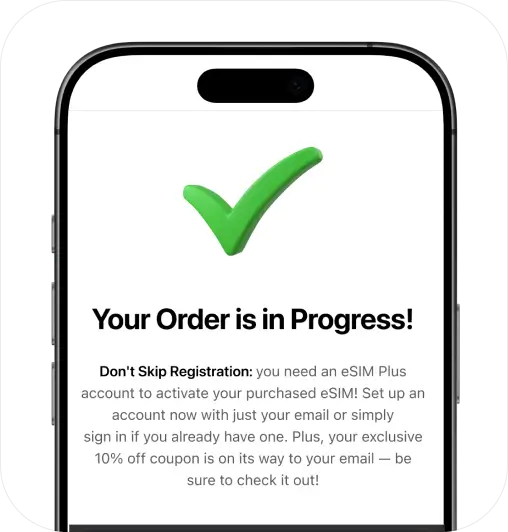
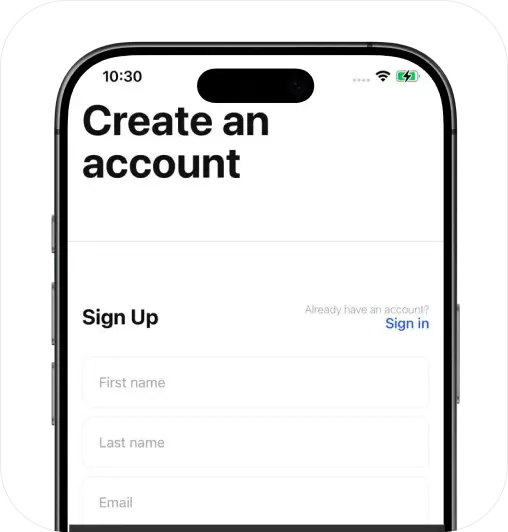
Sign Up and Activate
Create your personal account and prepare to activate your services instantly.
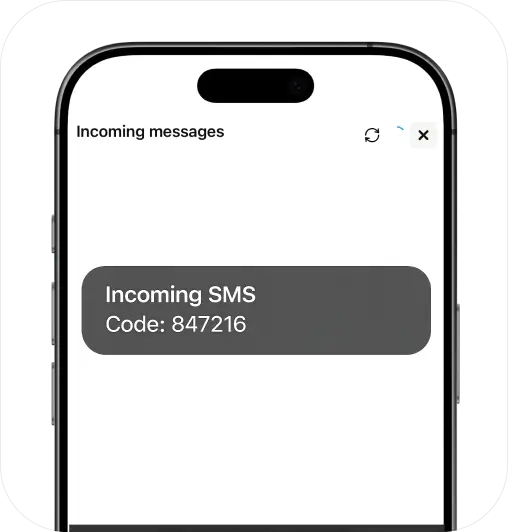
Start Getting SMS
Receive messages using your number through the eSIM Plus website or app (iOS & Android).
Stay Private, Go Virtual!
Keep your personal number secure with a virtual solution
Get StartedFAQ
How do I get a virtual phone number for Facebook?

You can get a virtual number that works perfectly for Facebook account setup and ongoing access right here.
Just follow these 4 simple steps:
Step 1 – Choose a virtual number that supports Facebook SMS codes from the list above.
Step 2 – Purchase your number. It activates instantly, and the SMS inbox is ready in the app.
Step 3 – Go to Facebook and enter your new virtual number when prompted.
Step 4 – You’ll receive an SMS code. Copy it and confirm your account.
That’s it! You’re all set — ready to use Facebook, and your number is available for future sign-ins and account recovery.
Do I need to install an app?
Not necessarily – If you’re only planning to receive SMS codes for Facebook account setup and sign-in, you can do that directly on the website. No app needed.
But if you want the full experience — like sending texts, making and receiving calls, or managing your number wherever you are — the eSIM Plus app is your go-to. It gives you full control and access to every feature, all in one place.
How much does it cost?
Just $0.04 per SMS! Facebook numbers start at $8.00 per month, with great discounts if you choose longer plans — monthly or yearly.
Here’s the best part – your number isn’t one-time use only. It’s yours to keep and reuse as many times as you want — whether for login codes, sign-in checks, account recovery, or anything else. Just keep it active in your account, and it won’t go anywhere!
Can I create a Facebook account without a phone number?
No. Facebook asks for a phone number during sign-up and security checks, and there is no way around it. The number does not have to be your personal one, though. You can rent a private virtual number and receive the confirmation SMS online.
Pick a country in the table on this page to see what is available for Facebook.