








Microsoft Verification Number: Receive the Code Online
Phone number solutions for Microsoft SMS authentication, offering stable delivery and global coverage.



 Instant access or money back
Virtual Numbers For Verification
Select the service for which you need a virtual phone number


Benefits of Secure Phone Numbers for Microsoft

Reliable Account Access
Receive SMS codes in seconds for smooth sign-ups, logins, and account recovery whenever you need them.

Spam Prevention
Keep your main phone line clear while using a dedicated number for your online platform accounts.

Instant Accessibility
Quick access is ensured through fast setup, seamless integration across devices, and a user-friendly interface.

Global Compatibility
Choose numbers from various countries, and manage accounts on worldwide platforms regardless of your location.

Flexible Plan Options
Select the rental period that works for you, from one-time use for setup to long-term account access.

Fast and Reliable Delivery
We guarantee stable and rapid delivery of SMS messages, even during peak usage times, so you're never left waiting.
How Microsoft SMS Verification Works With a Rented Number
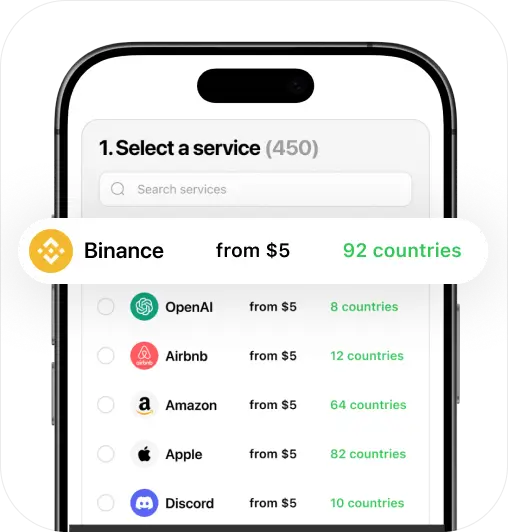
Choose Your Number
Select a number from a wide range of countries and services to suit your personal needs.
Proceed to Payment
Choose a payment method, and make a secure purchase of your new phone number.
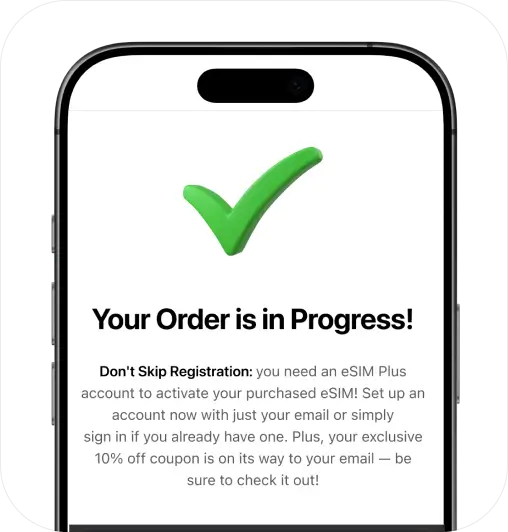
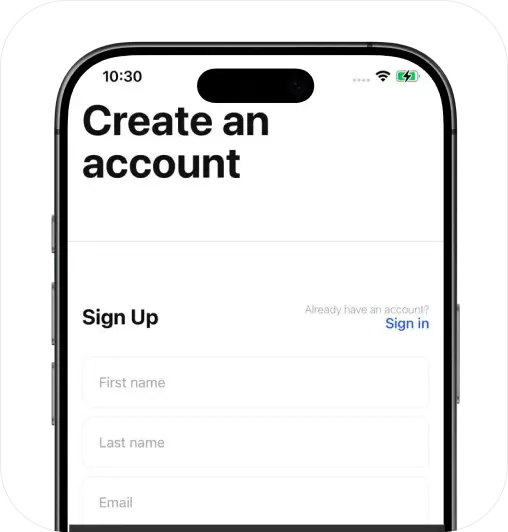
Sign Up and Activate
Create your personal account and prepare to activate your services instantly.
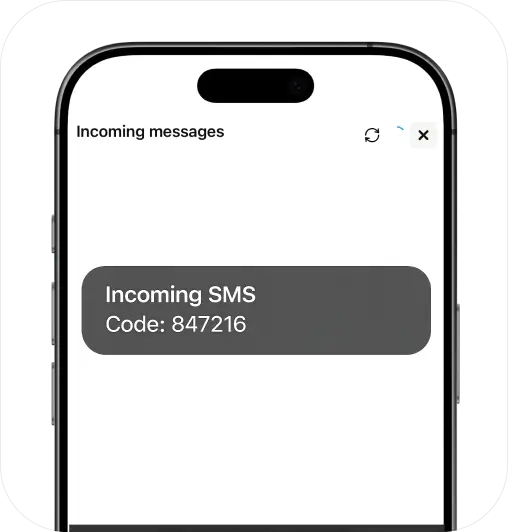
Start Getting SMS
Receive messages using your number through the eSIM Plus website or app (iOS & Android).
Stay Private, Go Virtual!
Keep your personal number secure with a virtual solution
Get StartedFAQ
How can I set up a Microsoft account without a phone number?

You can sometimes set up a Microsoft account using an email address instead of a mobile number. However, Microsoft may still request a phone number later for sign-in checks, adding security settings, or account recovery.
If you want a smoother setup and dependable access across devices, it helps to add a dedicated number that can receive Microsoft SMS codes reliably and stay active for as long as you need it.
Is it safe to use a short-term number for Microsoft?
For a main Microsoft account, it’s best to use a number you can keep active. Microsoft may send a security code when you sign in from a new place or device, and you’ll need access to that number to receive the code.
To avoid losing access, choose a number you can maintain long-term. If you only need a number for initial setup, pick a plan that matches your timeline – and upgrade anytime if you decide to keep the account long-term.
Can I make a second account in Microsoft?
Yes. You can create and use multiple Microsoft accounts for different purposes, such as work and personal use. It’s possible to stay signed into multiple accounts on a single device and switch between them.
To stay organised (and avoid mixing sign-in information), use separate browser profiles and assign a unique recovery email and a dedicated phone number to each account, so each one has a clear path for sign-in and recovery.
Can I use Outlook without a phone number?
No. Microsoft asks for a phone number when you create an Outlook account or confirm a new sign-in, and that step cannot be skipped. The number does not have to be your own. You can rent a private virtual number and read the code online.
Pick a country in the table on this page to see what is available for Microsoft.