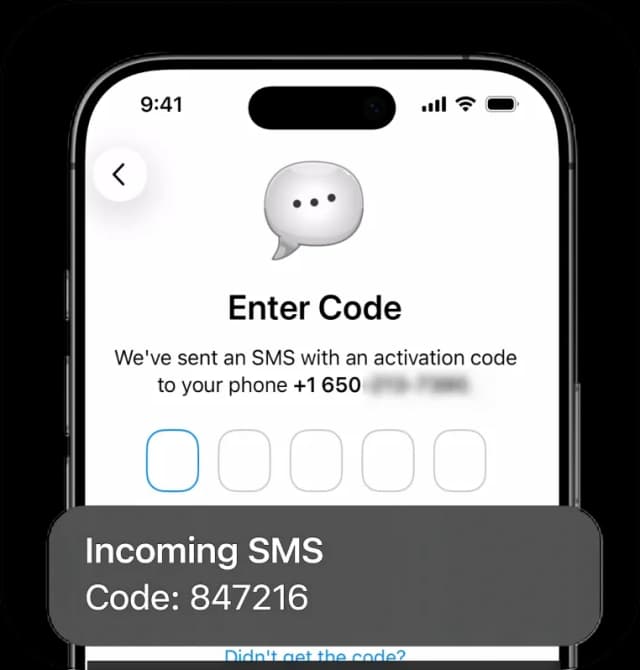
SMS Account Confirmation for Telegram

Phone number solutions for Telegram SMS authentication, offering stable delivery and global coverage.

4.3/5
App Store Rating
SMS Account Confirmation for Telegram
shieldInstant access or money back
Access Your Telegram
Virtual numbers that actually deliver. No fails. Just smooth account access.
SMS Account Confirmation for Telegram

Create Your Virtual Phone Number

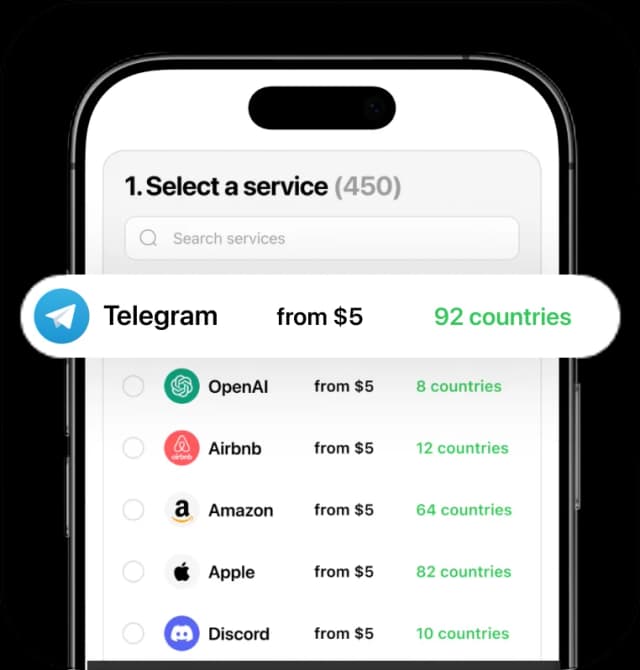
1. Select a service (18)
Telegram
from $8
12 available countries
WhatsApp
from $8
10 available countries
Revolut
from $8
9 available countries
Amazon
from $8
9 available countries
Google
from $8
10 available countries
Facebook
from $8
9 available countries
Binance
from $8
8 available countries
OpenAI
from $8
2 available countries
Wise
from $8
8 available countries
Payoneer
from $8
8 available countries
TikTok
from $8
11 available countries
Microsoft
from $8
8 available countries
Tinder
from $8
11 available countries
Signal
from $8
12 available countries
Airbnb
from $8
8 available countries
Discord
from $8
9 available countries
Venmo
from $8
1 available countries
CashApp
from $8
3 available countries
2. Select a country (12)

Benefits of Secure Phone Numbers for Telegram

Reliable Account Access

Receive SMS codes in seconds for smooth sign-ups, logins, and account recovery whenever you need them.

Spam Prevention

Keep your main phone line clear while using a dedicated number for your online platform accounts.

Instant Accessibility

Quick access is ensured through fast setup, seamless integration across devices, and a user-friendly interface.

Global Compatibility

Choose numbers from various countries, and manage accounts on worldwide platforms regardless of your location.

Flexible Plan Options

Select the rental period that works for you, from one-time use for setup to long-term account access.

Fast and Reliable Delivery

We guarantee stable and rapid delivery of SMS messages, even during peak usage times, so you're never left waiting.

How to Get a Number for Telegram

01

Choose Your Number

Select a number from a wide range of countries and services to suit your personal needs.

02

Proceed to Payment

Choose a payment method, and make a secure purchase of your new phone number.

03

Sign Up and Activate

Create your personal account and prepare to activate your services instantly.

04

Start Getting SMS

Receive messages using your number through the eSIM Plus website or app (iOS & Android).

Stay Private, Go Virtual!

Keep your personal number secure with a virtual solution

Get Started

Compare & Choose: eSIM Plus vs. Other Apps

eSIM PlusOthers
Compatibility100% guaranteed50% failure rate
Privacy & SecurityPersonal data stays confidentialMay compromise your privacy
Reliability & ControlFull access to your private numberPossible risk of losing access
Money-back GuaranteeDoesn't work? Get a full refundRefunds are often unavailable
International RoamingNo roaming for global calls & SMSExtra roaming fees may apply
Customizable OptionsBroad selection of plans & numbersLimited choice of available numbers

FAQ

Can I create a Telegram account with a phone number?

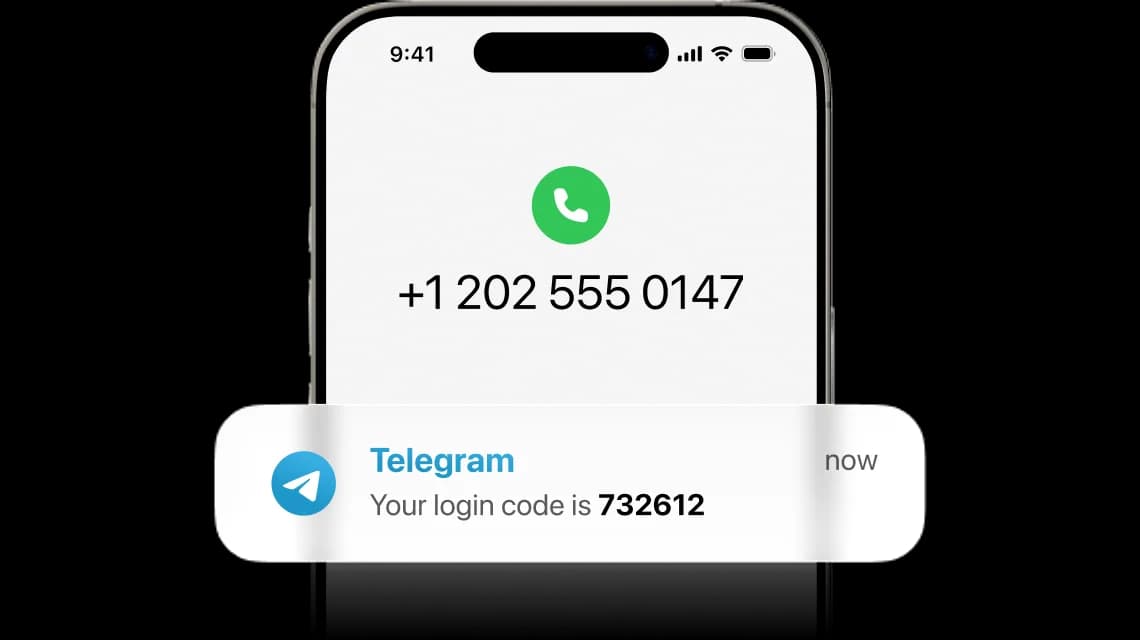
Yes, you can – If you’d rather not use your personal phone number, a virtual number is an alternative. You just pick a number on eSIM Plus and activate it. Once activated, you can choose to receive your codes via SMS or voice call — both options work smoothly, making it easy to create or update your account with your new number.

These virtual phone numbers are versatile and can be used on other popular platforms as well, or simply for sending regular SMS and calls from your new number.

How much does it cost?

$0.04 per SMS – yes, you read that right. Once you've purchased your number, receiving messages is so affordable that it’s practically free. Prices start at $8 a month, with discounts for extended monthly or yearly plans.

Not one-time only. Your number is yours to reuse as many times as you need, whether for login codes or account recovery. Just keep it active in your eSIM Plus account so it stays available when you need it.

How to get a virtual phone number for Telegram?

Follow 5 simple steps – you're already in the right place, but if you'd like to send SMS or make calls with your new number, don't forget to download the eSIM Plus mobile app.

Step 1 – Choose a virtual number for Telegram from the options above.

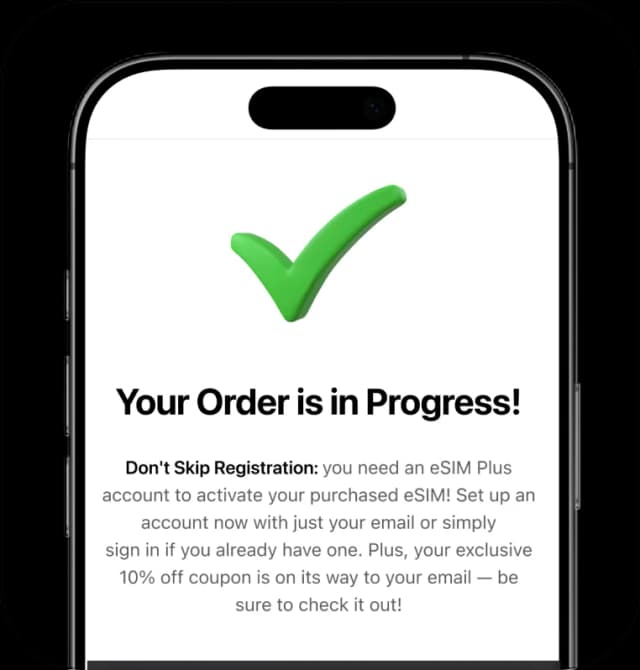
Step 2 – After purchase, your number activates instantly. You’ll find its SMS inbox right in the app.

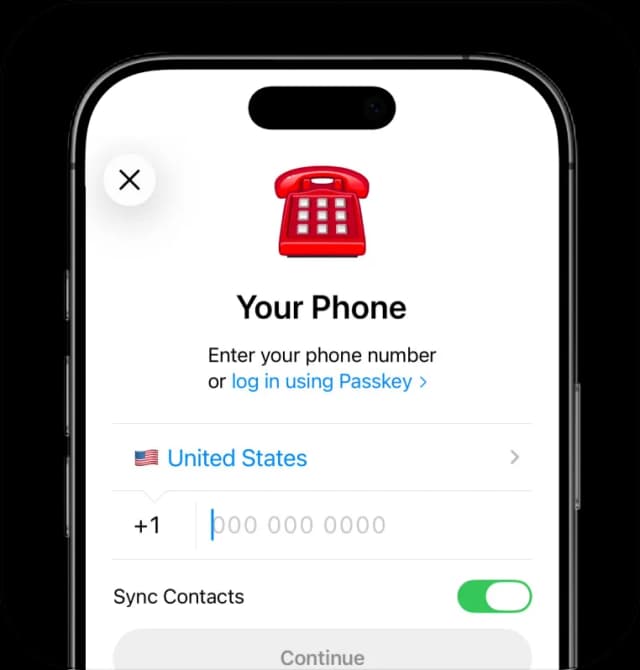
Step 3 – Open Telegram and create a new account, or go to your Telegram account’s Settings to update your number.

Step 4 – Telegram will send you a code via SMS or place a phone call.

  • For SMS: Copy the code from your inbox and paste it into Telegram.
  • For calls: Answer and enter the code in Telegram manually.

Step 5 – You’re all done! Keep your virtual number active in case you need it again in the future.

Your Privacy Matters

We use cookies and other tracking technologies to measure website traffic and improve your experience. Privacy Policy

Customize