Get a Virtual Number for Gmail

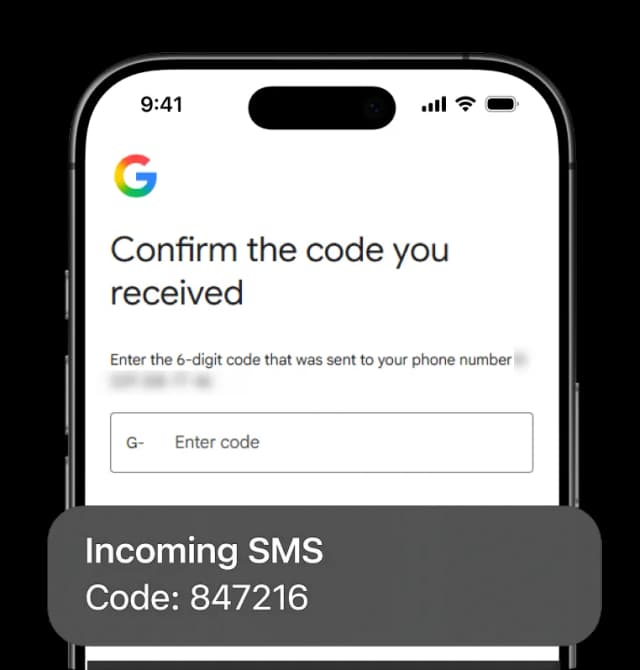
Standing between you and a new Gmail account, is only one thing. That is a phone number Google hasn't seen before. Decide where you would like your number to be from and for how long you plan on keeping it active. Pick from 12 countries, from only $8 a month, and have the confirmation codes delivered through the eSIM Plus website or app.

Get a Virtual Number for Gmail

Get Virtual Number for Gmail

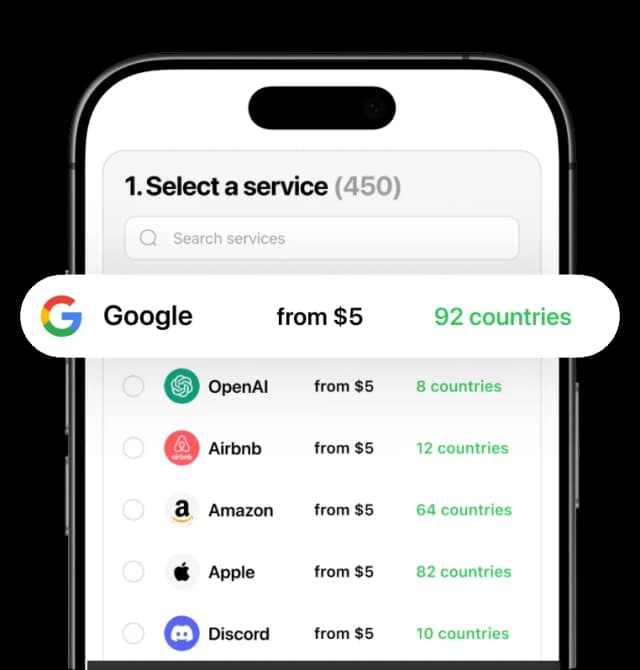
1. Select a service (38)
WhatsApp
from $8.00
14 available countries
Telegram
from $8.00
14 available countries
Google
from $8.00
13 available countries
Wise
from $8.00
12 available countries
Apple
from $8.00
13 available countries
Facebook
from $8.00
13 available countries
PayPal
from $8.00
13 available countries
TikTok
from $8.00
14 available countries
YooMoney
from $8.00
4 available countries
ZEN
from $8.00
11 available countries
WeavePay
from $8.00
1 available countries
Tinder
from $8.00
14 available countries
Afterpay
from $8.00
4 available countries
Payoneer
from $8.00
11 available countries
Wallester
from $8.00
6 available countries
TransferM
from $8.00
4 available countries
Mubi
from $8.00
2 available countries
Paysend.com
from $8.00
7 available countries
In3
from $8.00
5 available countries
Revolut
from $8.00
13 available countries
WorldFirst
from $8.00
7 available countries
bunq
from $8.00
10 available countries
Arival
from $8.00
3 available countries
Signal
from $8.00
13 available countries
Amazon
from $8.00
13 available countries
Uber
from $8.00
15 available countries
Twitter
from $8.00
6 available countries
Snapchat
from $8.00
14 available countries
Viber
from $8.00
8 available countries
Instagram
from $8.00
8 available countries
Binance
from $8.00
11 available countries
OpenAI
from $8.00
10 available countries
Microsoft
from $8.00
12 available countries
Finom
from $8.00
9 available countries
Airbnb
from $8.00
12 available countries
OLX
from $8.00
4 available countries
Twitch
from $8.00
8 available countries
Discord
from $8.00
13 available countries
2. Select a country (13)

Why You Need a Virtual Number for Gmail

For a Second Account

Google's official help center clearly states the fact that they limit the number of accounts each phone number can create. Once that ceiling has been reached, your sign-up attempt stops with "This phone number cannot be used for verification" and the fix Google suggests is to try a different number.

To Get Ahead of the Week

A newly added telephone number may need about a week, as stated by Google, before it can be verified and allow sensitive actions to be taken, like an account's password change. If in such cases you use a temporary free number, then by the time your Gmail password can be changed, it's more than likely that you won't have that number. With a private number, you will have the peace of mind that the inbox is yours even after a week or two.

For 1+ Separate Google Accounts

Each Google Account holds a recovery number and a 2-Step Verification number in two different fields, each set up on its own. Filling one with your own number leaves the other empty, so a rented line can take care of it and help enhance your account security.

To Avoid the Cleanup Later

Swapping out the number on your Gmail account will only affect some of the connected services. Others, such as Calendar, Chrome, Google Pay and your Business Profile, each hold their own copy of the linked number, and it is updated one at a time. A new account started on its own virtual number doesn't join that list of services that already have your history, financial information, or location details.

For Work and Personal Both

Sharing the same verification number between your personal and work accounts is not a safe practice. Also, in some cases Google asks for a number not connected to any other accounts. A second line means that the two are never joined by one number and this keeps one lost phone from locking you out of both.

To Keep Your Number Out of Ads

By default your Google account can be used to personalize the ads you see daily, and turning that off is a setting of its own. Google states it does not sell numbers to third parties, however it still uses them.


How to Get a Phone Number for Gmail Verification

01

Browse, Decide, Then Join

Since your phone number for Gmail verification operates online in eSIM Plus, you'll have it ready to use by setting up an account on the app.

02

Proceed to Payment

Your order is immediately activated and appears on the app or website dashboard once the payment has gone through by card, app balance, or in crypto.

03

Create Gmail Account

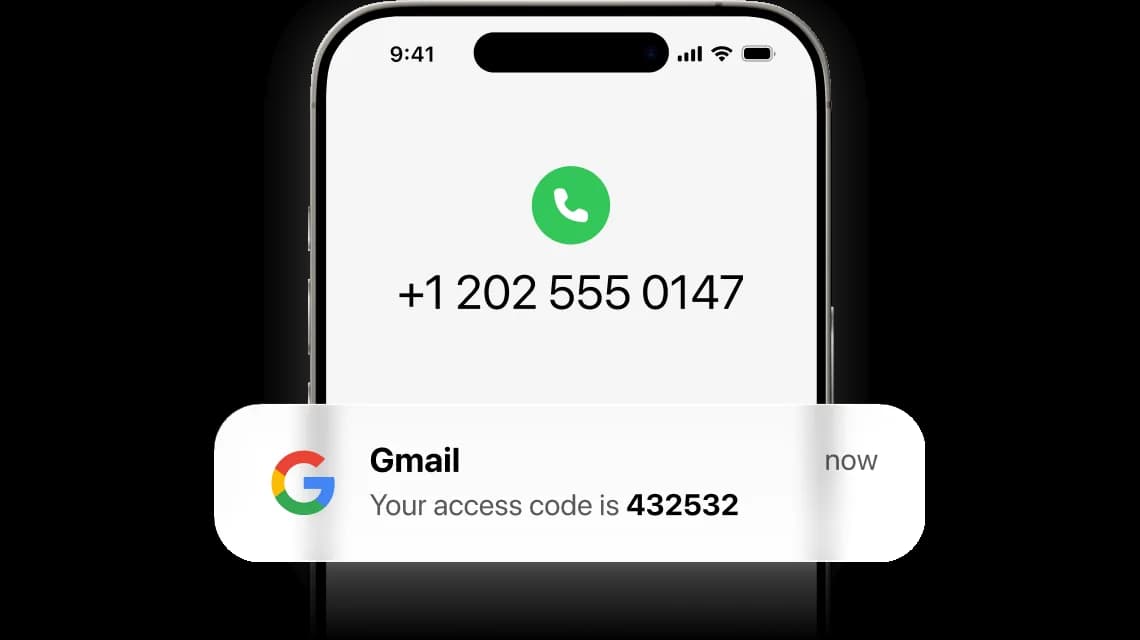
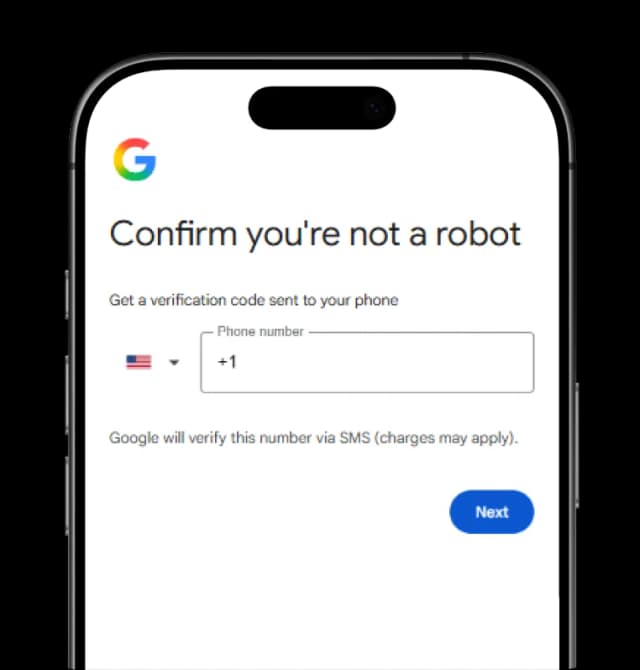
When signing up, type in your new virtual number, and the confirmation code appears in the SMS sent to your eSIM Plus inbox.

04

Get Verified With 1 SMS

Once you enter the verification code on the Gmail mobile app or website, your identity as a human is confirmed and you can start using its services.

What Your Gmail Verification Number Covers

A rented number for Gmail is designed for the moment at which you are setting up or verifying your new email address, and not for returning to an old account you have already lost access to.

Covers

  • Verifying the creation of a brand-new Google account
  • Confirming your login on a device Google has not seen before
  • Acting as your 2-Step Verification number
  • Setting up a separate work Google account

Doesn't cover

  • Bringing back a registered account linked to a number you have already lost, disconnected, or that is already owned by a different person
  • Altering numbers during a sensitive action. As per Google, it may take about a week before a new number can verify a password reset
  • Updating multiple Google accounts at once. Calendar, Chrome, Google Pay and your Business Profile each store the number separately

Who Uses a Second Gmail Number

The Professional With Two Inboxes

If you have ever found yourself using both a work Google account and a personal one, you want to keep them as apart as possible. A second phone number ensures the two do not overlap accidentally, so someone recovering your work account later on finds no links back to the other personal one.

The Temporary Owner

If you've ever created a Google account for a project or a client, you may have to transfer it to another party at some point. The rented number stays with the account, while your personal number is never involved.

The People Keeping Their Data Private

Online services like Chrome, Google Pay and Calendar may collect information from a shared Google account, and the phone number on it included. An account built on a rented line lets you use those services without involving your original mobile number that links back to your private data.

The One Who Needs A 2nd Google Account

Your private number is already used as a backup for 2-Step Verification on a different Google account. Give this one its own backup number, and any instance of a lost phone leaves your other accounts active.

Other services

Your Gmail Number Is One Tap Away

Keep a clean, separate number ready before Google asks for one.

Buy Gmail Number

FAQ

Can I create a Google account with a virtual number?

Yes, it can be done and there are 2 ways you can do it with eSIM Plus.

Google requires just a number that can receive an SMS from them to confirm account registration, and a private rented number can do just that. All you have to do is use a virtual number during signup just like any other number, and the code will appear in your eSIM Plus account, right in the number's inbox. That phone number belongs to you as long as you need it as the link to your Gmail account for later: forgotten password, verification codes, keeping your account safe with a second lock.

Your second option is for when you need a quick one-time SMS where privacy and keeping the number don't matter: a free phone number for verification can receive the SMS on your behalf, but the inbox is public, and you may lose access to the number unannounced.

How many Google accounts can one phone number verify?

Find out the answer on Google's official website. We can't be sure and quote a number to you because Google doesn't provide such details, saying only that it restricts the amount of accounts a number can be used for. Therefore, you will have to figure out that limit by yourself.

If a limit has been reached, then registration initiates with the message indicating that this number cannot be used for verification, and Google suggestion is often that you use a different number.

Can I sign up for Gmail without phone number verification?

Occasionally, yes. Google also requires a phone from some people while it accepts others without it, which is the reason why some attempts are successful while others are not. However, when it is required, you cannot do anything about it.

A rented number simply provides you with another number to use instead of disclosing your personal line as a "substitute number", but it will not help you sign up without "any" phone numbers.

What is the difference between a recovery number and a 2-Step Verification number?

Within your Gmail account, you have two distinct types of settings: recovery is the means by which Google is able to contact you when you are locked out, and 2-Step settings are what you enter during each sign-in. Each type of arrangement operates separately from one another, and nobody has to comply with any requirement to use the same information. So, you can have two completely separate numbers for different settings on your Google Account.

In fact, some people keep their personal phone number in the recovery section while using their virtual phone number for 2-Step authentication settings.

I changed my number. Why does Google still ask about the old one?

Because a new number isn't immediately verified, it could take about a week before Google will accept it to confirm it's really you for taking sensitive action like changing your password.

This is the whole point of having a second line ready not just at the moment of need for it.

Will the number still work if Google switches from SMS to QR codes?

Yes, Google has publicly confirmed that it isn't dropping phone-number-based 2-Step Verification and only changing how those numbers are verified. SMS codes still work as of today, while the QR path is being added alongside them rather than replacing them.

Either way, your number stays on your Gmail account as the security measure Google checks you against.

As long as you have the phone number as the confirmation of your identity, you will be able to regain access to your Google account. Keep it safe and active to have access to your Gmail.

What happens to my Google account if the rental expires?

The account remains unaffected, but the number is lost meaning that you will not be able to sign back in or take any security sensitive action since you won't be receiving an identity confirmation code. You can renew your number before the end of the rental period, or you can transfer the recovery access to a different number that you do control.

Google allows users to keep the number on their account, however it won't confirm your identity without the code sent to that exact number or a recovery email address.

Can I use the number to recover an account tied to my old number?

No, and it's one of the most important things that you need to know before getting a new line. Google uses the exact number associated with your account and not the one that you are using now. If a verification code cannot reach the number you have used before, renting a line will not help you in recovering lost access to that account.

Instead, you can create a brand new Gmail with a new phone number and address.

Can one rented number be used for Gmail and for another service?

Yes, as long as you are renting the number, it belongs to you and any SMS received will be reflected in your eSIM Plus account. Google's limits refer to the number of accounts that you can register with and have nothing to do with the number of services you can use with that number.

You can use it on multiple other platforms like Telegram, Tinder or Wise, for example, without any worries. Not only that, but you can also use the services included in your plan individually: SMS, calls, or both!

How much does it cost?

Starting from 7 dollars per month. The final price depends on the country that you choose. You will make the payment in the eSIM Plus account and own this number until the rental period is over.

The price you see as monthly is the rental of the number while the messages and calls are paid for in coins. Estimate the price beforehand using the in-app calculator in the plan's details section.

Your Privacy Matters

We use cookies and other tracking technologies to measure website traffic and improve your experience. Privacy Policy

Customize